Integrating with Unsplash
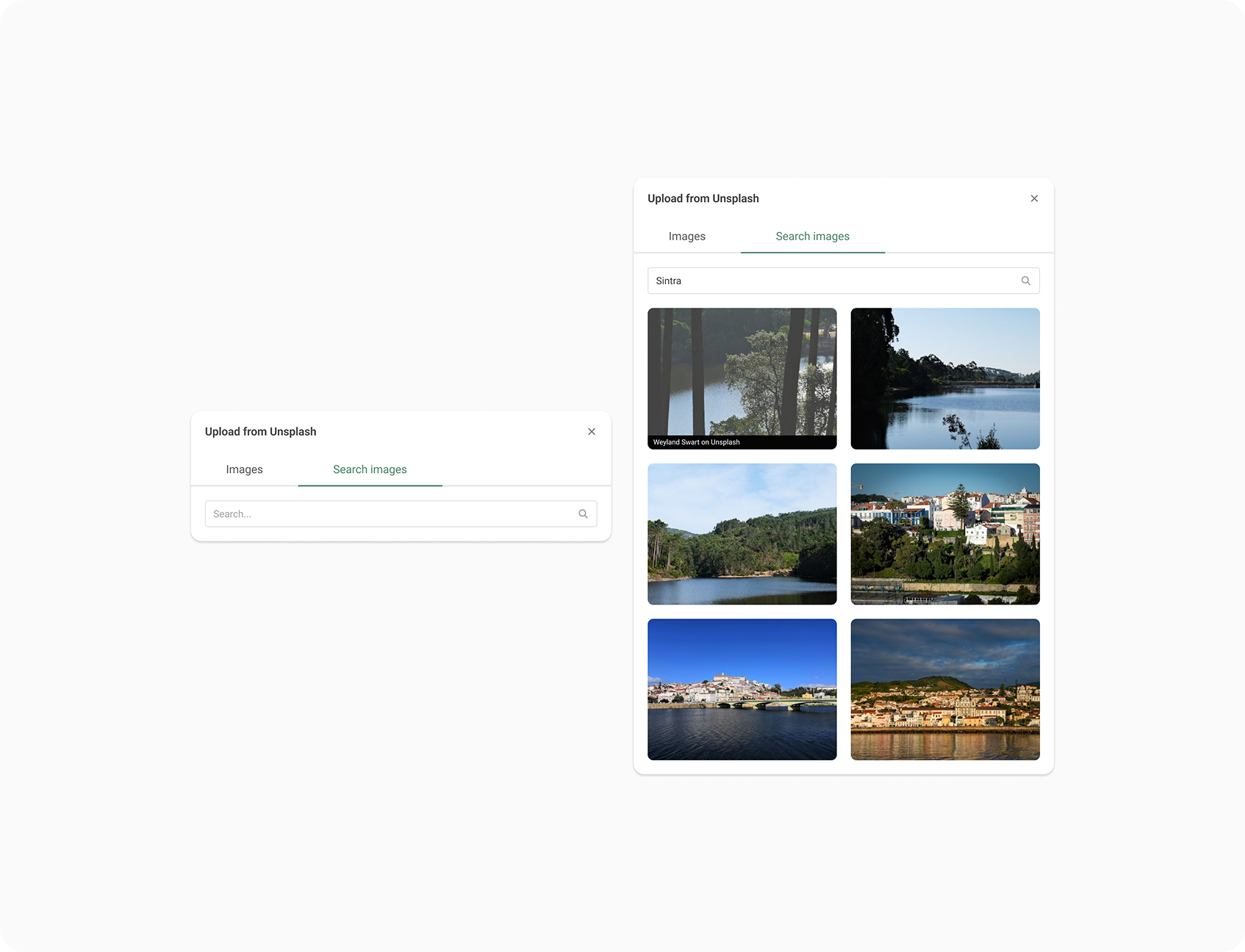
While doing Product Design at EasyPractice, I led the design and implementation of an integration with Unsplash to help therapists easily add high-quality, relevant images to various features within the application.
This included images for Events, Gift Cards, Online Courses, and Online Booking pages. While not driven by explicit user demand, the goal was to elevate the user experience by reducing friction in sourcing visual content. I collaborated with a single developer to ship this project quickly and with minimal overhead.
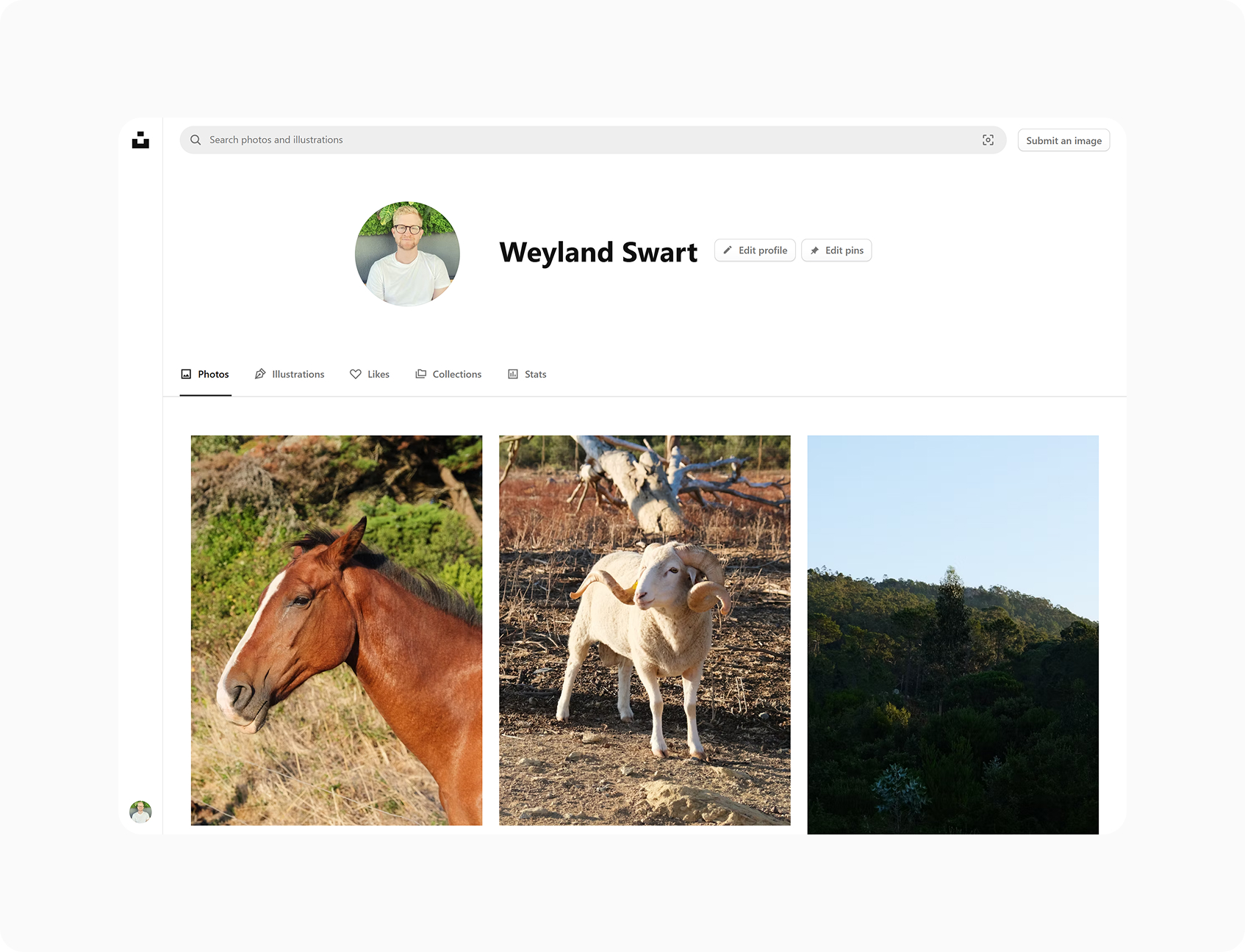
EasyPractice offers therapists the ability to add custom imagery across several parts of the application. However, many users struggled to find professional, relevant images on their own; often resulting in either no imagery at all or low-quality images.
Although no direct user requests were submitted for this feature, the underlying friction was observable across user-generated content. As a long-time user of Unsplash myself, I recognized an opportunity to offer seamless access to a trusted image source, improving the visual quality of therapist-facing pages and enhancing the perception of professionalism.
This was a quality-of-life initiative. The primary goal was to improve therapist workflows by making image selection faster, easier, and more delightful.
Because the integration was free and not tied to core business KPIs like revenue or retention, success was defined by:
- Organic discovery and usage
- Positive user feedback or informal appreciation
- Reduced time-to-publish for image-rich content
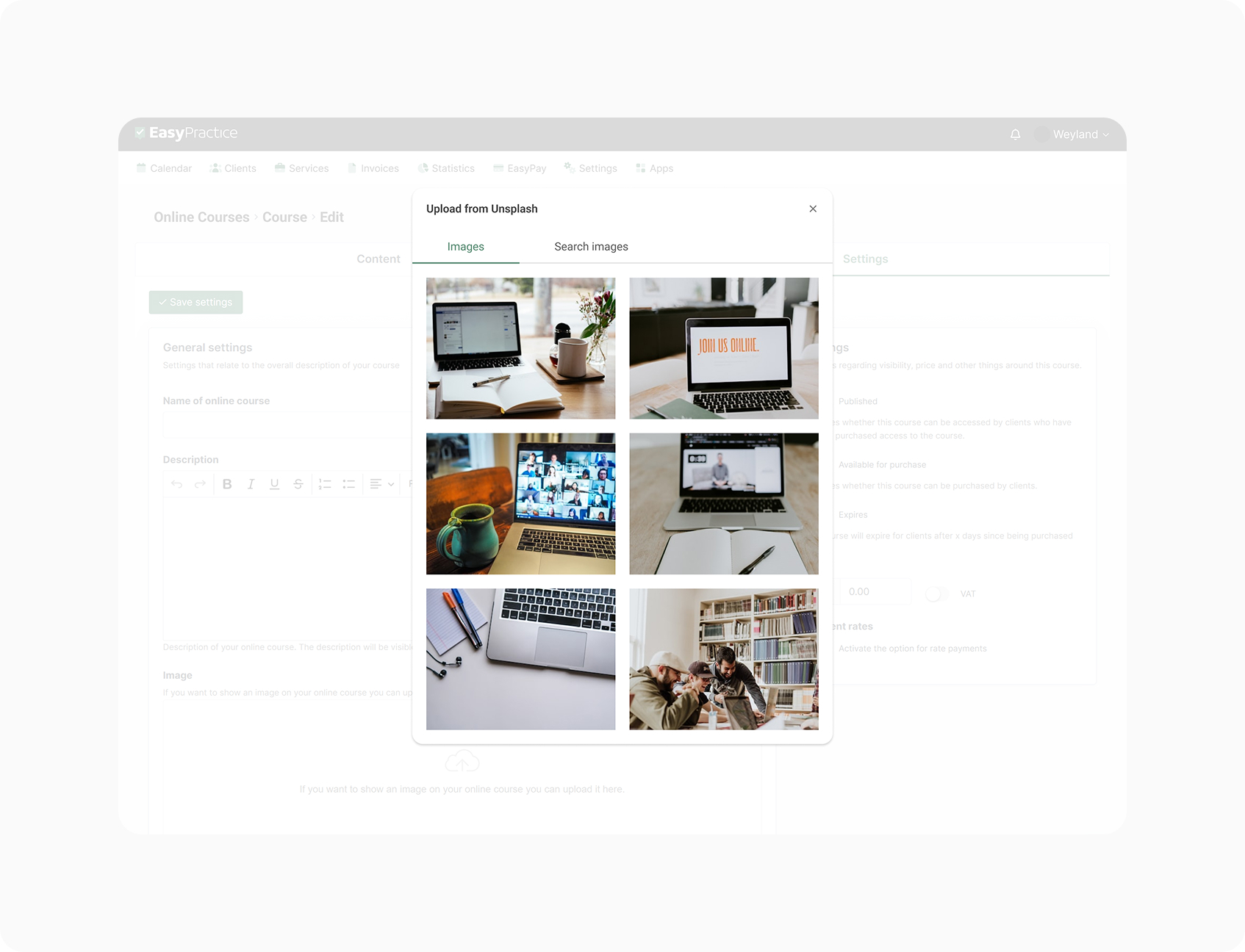
I began by auditing the image upload experience across key product areas and identifying a shared component we could modify. EasyPractice had been using a standard image upload component for uploading images. I expanded this component to include a new option: "Use one from Unsplash".
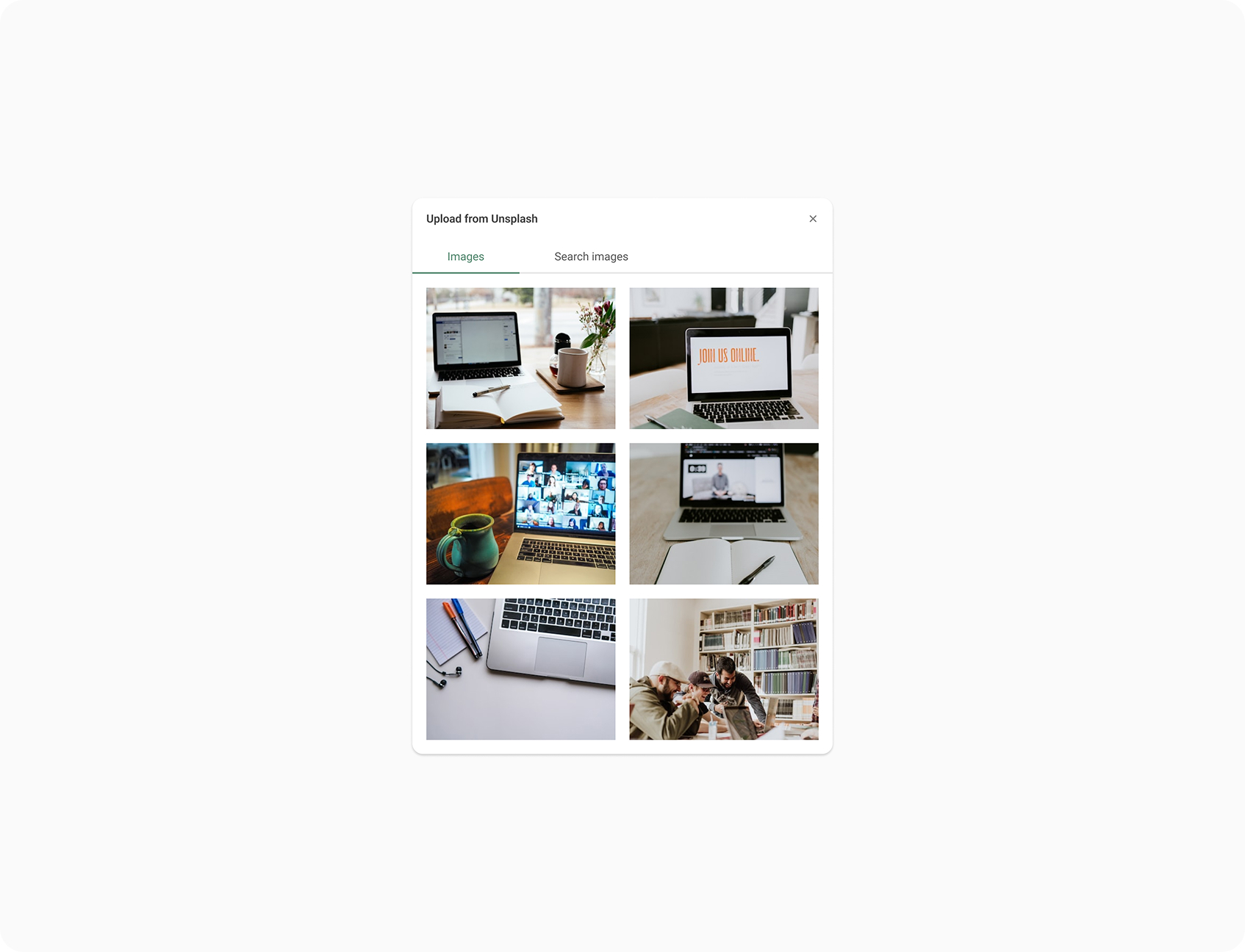
Once selected, users are presented with a modal that defaults to a context-aware query. For example, creating an event surfaces a curated Unsplash feed related to events. Users can also switch tabs to search freely within the Unsplash library, ensuring flexibility without overwhelming first-time users.
Throughout the process, I focused on keeping the experience lightweight and visually clean, requiring as few interactions as possible to achieve a result. I collaborated with a developer to ship the integration quickly and tested the experience internally prior to release.
The new image picker gives therapists the ability to browse and select Unsplash images directly within the app, without ever leaving EasyPractice. The modal design supports both context-specific discovery and manual search, helping users find relevant visuals in seconds.
The component update was applied consistently across the application, spanning Events, Gift Cards, Online Courses, and Online Booking. This unified the experience while significantly improving the visual quality of end-user content.
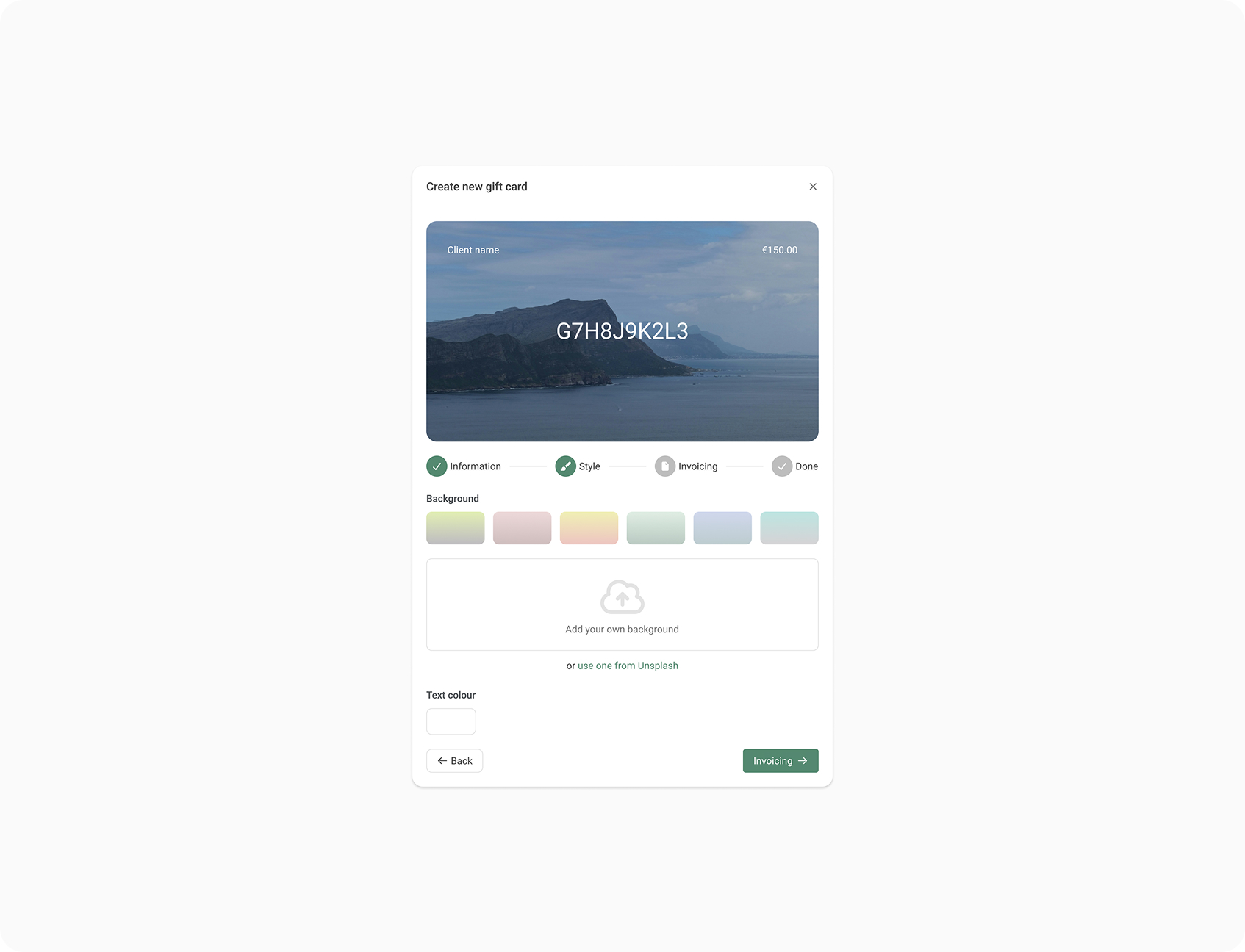
Although not designed to drive business KPIs, the feature was well received. Therapists adopted the Unsplash integration organically, without requiring onboarding or marketing prompts. Internal teams noted an improvement in the visual quality of publicly visible images through the application.
While specific usage data wasn't tracked post-launch, anecdotal feedback suggested the feature made EasyPractice feel more modern and user-friendly. The project also served as a strong example of how small, intentional enhancements can add joy and value without being metric-driven.
This project reminded me that not every feature has to tie directly to revenue or growth. Sometimes, the best design decisions come from identifying friction users don't explicitly articulate - and solving for it anyway.
It was also a chance to work efficiently and collaboratively, delivering value quickly with a lean team. If I were to expand on the project, I'd explore adding usage analytics or lightweight feedback prompts to better understand the ongoing impact and inform future visual tooling improvements.